

Download
Download the pack

Child Safeguarding Statement
Some resources and activities may prompt a child to remember and potentially share an experience of harm. Make sure you’re familiar with your school's safeguarding policies and procedures so you can confidently report safety and well-being concerns.
Prepare students for the session by discussing: their right to be safe and respected; what to do if discussing online safety makes them feel uncomfortable or unsafe; and how to seek help if they feel or have felt unsafe. Use this resource available on the website.
Tips & Resources
Teach data privacy and media literacy with two new eSmart interactive games

A different approach to online safety
Year 5 and 6 students are already navigating apps, social media feeds, and algorithmically curated content. Most online safety education responds with rules: don't share your password, don't talk to strangers. Rules have their place, but they don't stretch far enough when the situation is more nuanced — and for this age group, nuance is increasingly the reality.
Detective: Training Day and Gotchas Galore are games designed around building analytical skills rather than delivering prescribed responses. Students learn to question the content they encounter and recognise the data they share, developing habits that remain useful as the digital landscape changes. Both games are free, browser-based, and sit within a complete 60-minute educator-led lesson.
Key takeaways
Both games are free and available now
Each game comes with a curriculum aligned lesson plan
Slide deck, educator notes, activity worksheets, and a parent resource
No specialist technical knowledge required
Designed to be delivered by any classroom teacher
Both games work in low-bandwidth environments and on shared devices
They've been tested and improved with classroom feedback
In-school testing with over 90 Year 5 and 6 students found 97% completed both games, and 62% reported learning something new about online safety
The games at a glance
| Detective: Training Day | Gotchas Galore | |
|---|---|---|
| Topic | Media literacy and fake content | Data privacy and online tracking |
| 4Cs risk area | Content | Contact |
| Year level | Years 5–6 | Years 5–6 |
| Lesson length | 60 minutes | 60 minutes |
| Gameplay length | 25 minutes | 25 minutes |
Both games count toward the eSmart Digital Licence. See the Digital Licence hub for more.
Gotchas Galore
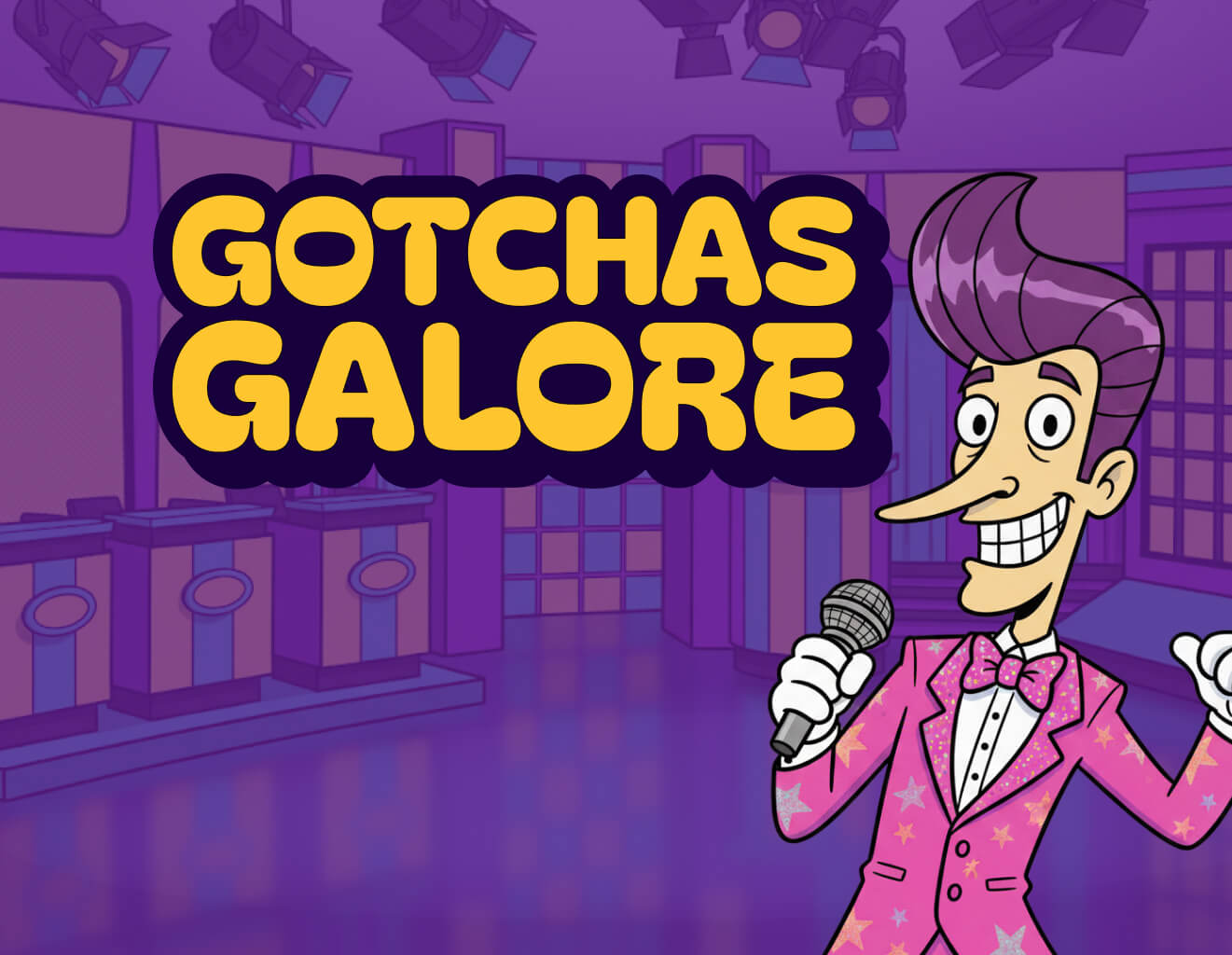
Explore how apps and games collect personal data. Through gamified scenarios, learners identify privacy risks, how to manage data, and build essential digital literacy skills.
Learning intention
We are learning how apps and games collect data, how this influences our online experience, and how to protect our privacy.
What it covers
Every time a student opens an app, signs up for a game, or posts something online, data is being collected — often without it being obvious. Gotchas Galore helps students understand what that data is, who collects it, and why it matters.
The game introduces six types of data collection — called Gotchas — that students learn to recognise in everyday digital scenarios:
- Friend List keeps track of who students are connected to
- Face & Voice stores facial or voice data
- Ads & Partners shares information with other companies
- Stuff Watcher tracks what students watch and like
- Location shares where a student is or has been
- Public Share lets strangers see what students post
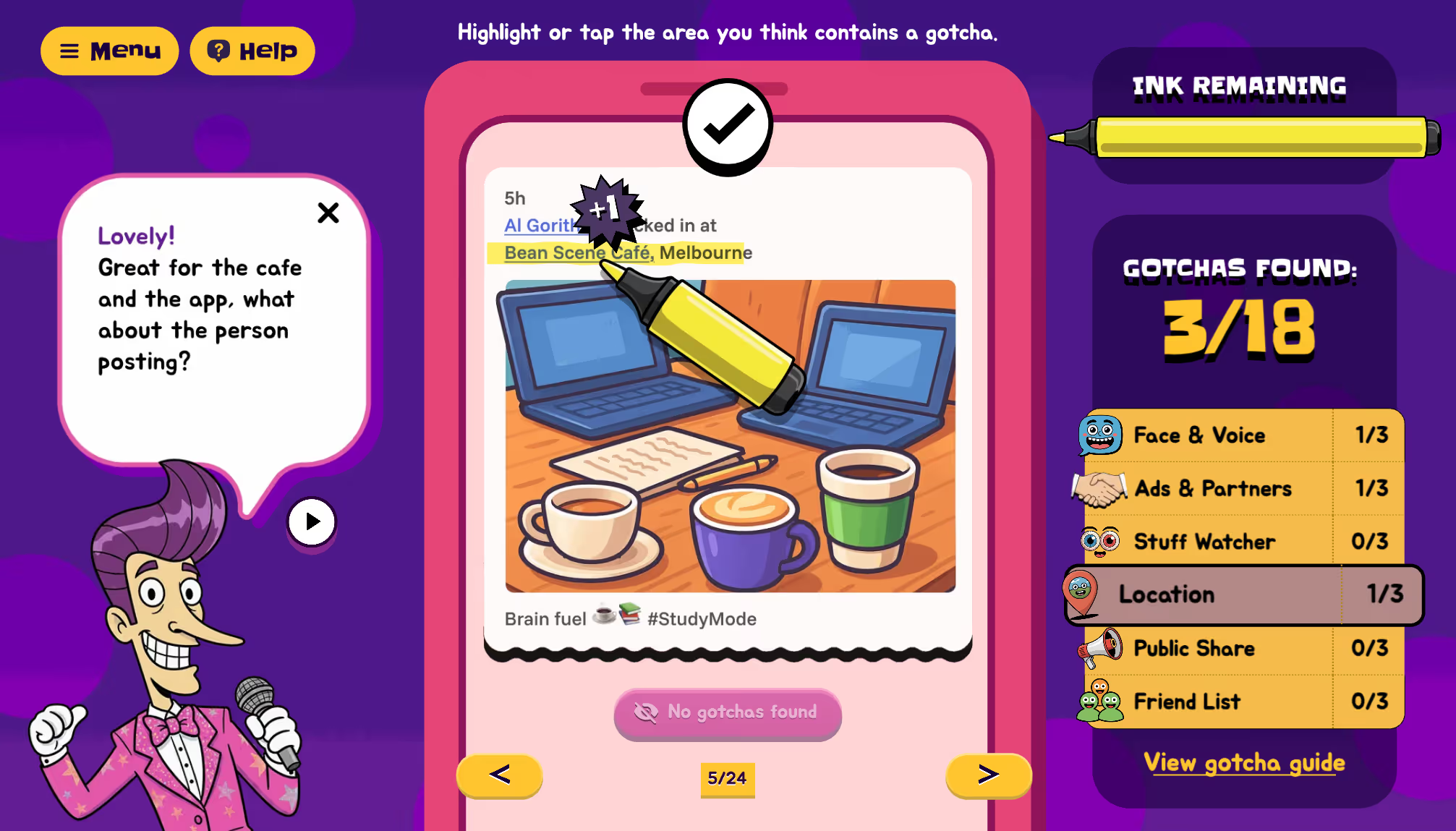
Students use a highlighting tool to identify where personal data is likely being collected.
What students do
Students scan content on screen, identify which Gotcha is present, and highlight it — working through a series of real-world style scenarios. Limited ink in their highlighter means students have to be deliberate, reinforcing the careful attention the lesson is designed to build. Before playing, students complete a definition-matching activity so they arrive at the game with enough context to engage meaningfully.
Detective: Training Day

Learners investigate online content using detective tools to spot misleading content and make safe, smart choices online.
Learning intention
We are learning to check who made online content, why it was made, and how to stay safe from content risk.
What it covers
Detective: Training Day gives students a set of investigative tools to evaluate online content — asking not just what something says, but who made it and why. Students work through case files using four detective tools to identify content that may be misleading, fake, or designed to manipulate:
- Word Weasel flags tricky, exaggerated, or emotional language
- Ad Alarm identifies content that feels like an ad or sales pitch
- Source Scanner questions whether a person or site can be trusted
- Reality Check checks whether something is actually real or possible
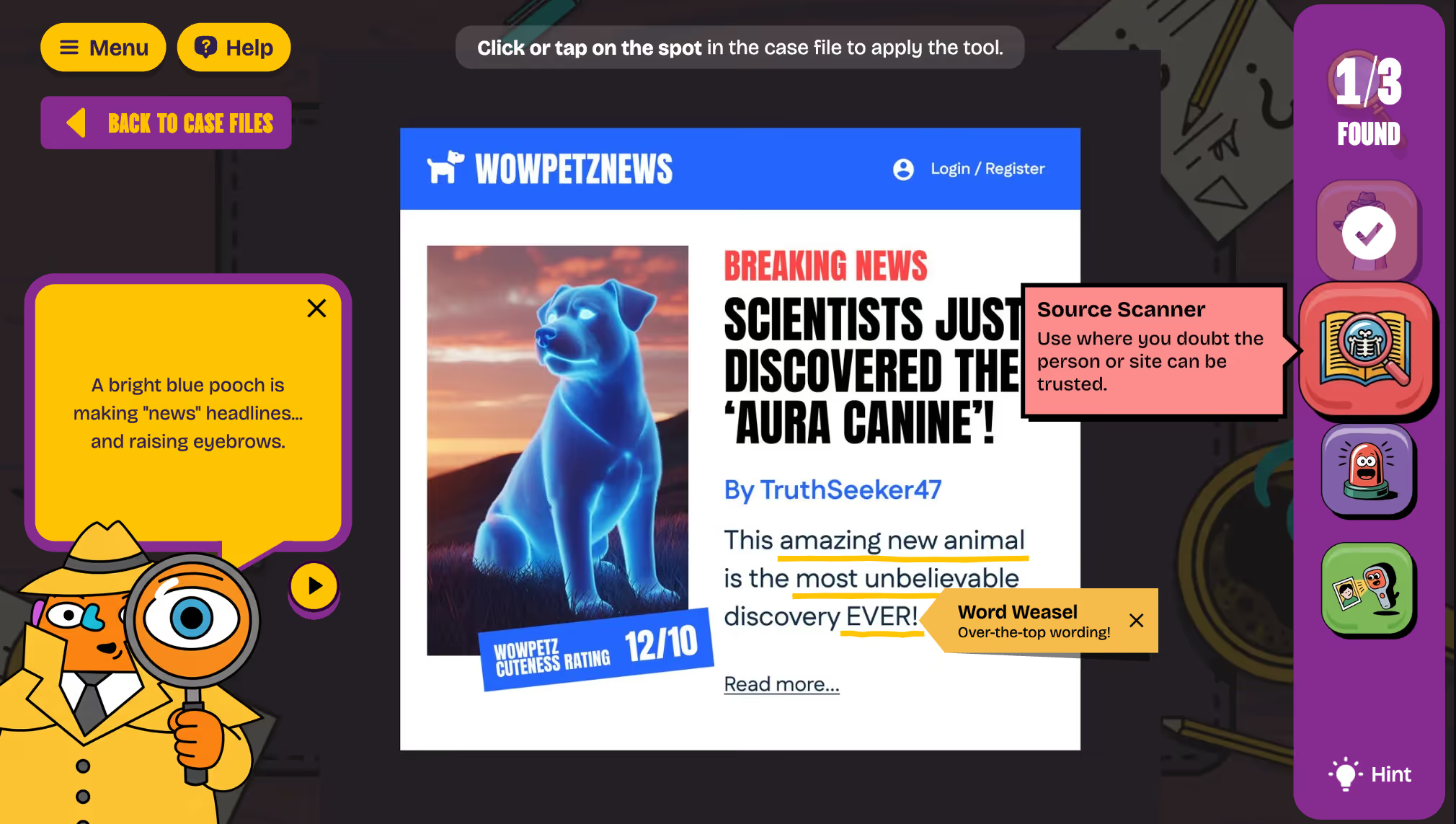
Using these detective tools, students build real critical thinking skills for navigating media.
What students do
Students take on the role of a digital detective, moving through rooms in a detective agency to find case files and use their tools. The lesson opens with a class activity built around the guiding questions Who created this? and Why was it made? before students move into independent play. A debrief activity asks students to record one thing they noticed and one detective tool they used well.
What's in the lesson pack
Each pack includes everything needed to plan and deliver a 60-minute session.
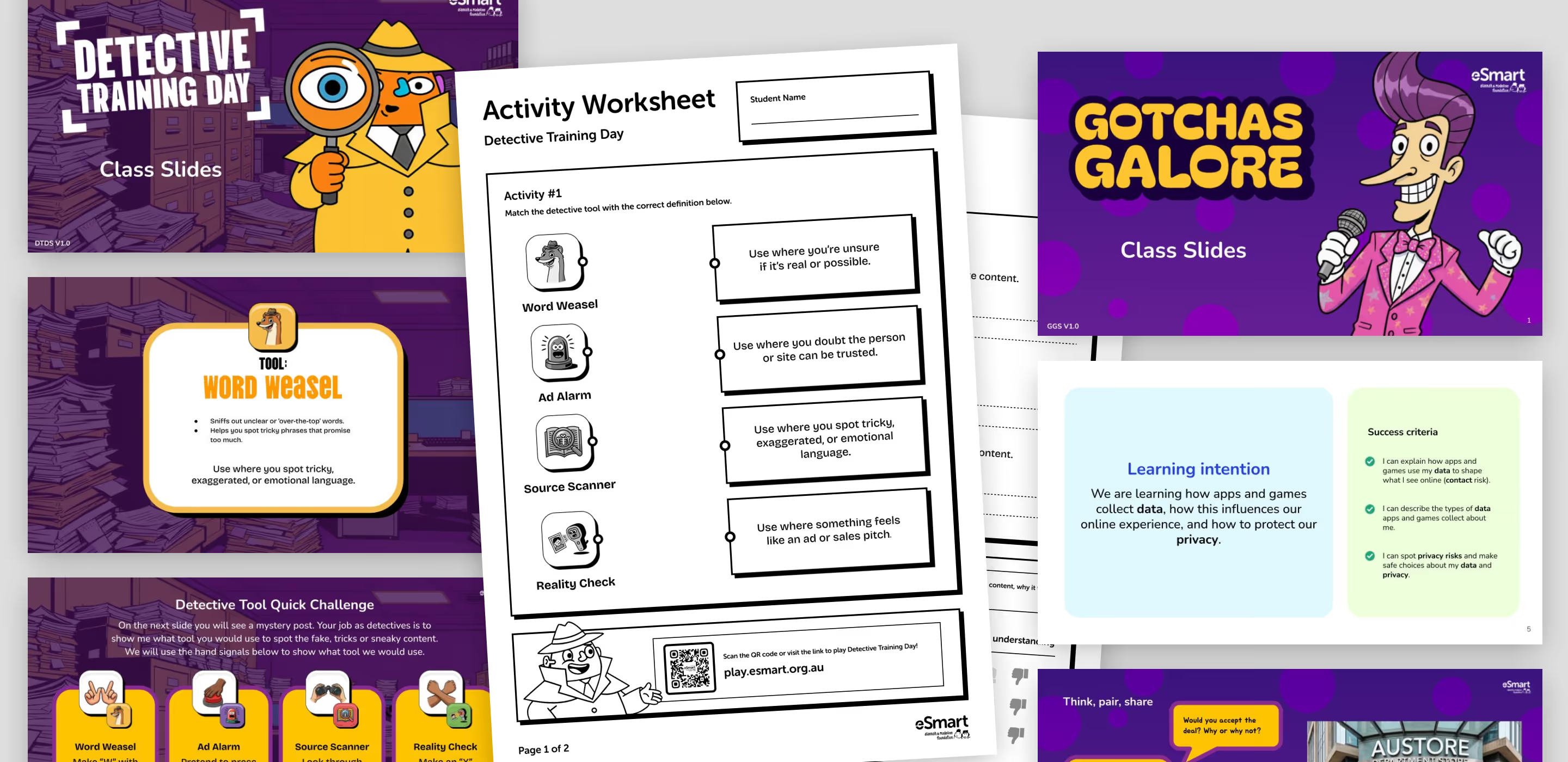
The lesson packs contain visually rich worksheets and delivery slides.
For educators
- Educator Lesson Notes (3 pages) — lesson overview, learning intention, success criteria, full 60-minute outline with slide references, and a ready-to-share parent and carer communication to extend learning at home
- Class slide deck — structured around the I Do / We Do / You Do explicit teaching model; presenter notes included throughout
- Activity Worksheet (2 pages, printable) — pre-game activities, reflection prompts, and a self-assessment against the success criteria
For students
- Printable activity worksheet used during the lesson and for reflection
- A quest map and badge that contribute to earning their Digital Licence
- Optional take-home activity extending learning beyond the classroom
For families
- Parent Resource (1 page, printable) — explains what students learned, provides a QR code to play the game at home, and includes tips for continuing the conversation
Teaching note: The Parent Resource is designed to print double-sided with the Activity Worksheet, so families receive it with the context already in hand.
What students said
In-school testing with over 90 Year 5 and 6 students found that 97% completed both games, and 62% reported learning something new about online safety.
"People track your moves and then sell the information they have about you onto the internet." — Year 5–6 student, Gotchas Galore
"I liked that you can play it for fun but it also has a more complex lesson to learn, like how to be safe online!" — Year 5–6 student, Gotchas Galore
"Even things that seem really real can be fake." — Year 5–6 student, Detective Training Day
"Always check for things that are 'too good to be true'." — Year 5–6 student, Detective Training Day
Practical notes for your classroom
- Low bandwidth, shared devices: Both games preload all assets when they launch, so they run reliably in environments with inconsistent Wi-Fi and support students taking turns on shared iPads.
- Accessible worksheet alternative: Each pack includes a fully accessible printed worksheet covering the same learning outcomes, supporting students with additional needs or device limitations.
- No specialist knowledge required: The educator notes are written so that any classroom teacher can deliver the lesson confidently, regardless of technical background. The slide deck includes presenter notes throughout to guide delivery.
- Lesson timing: Both lessons are 60 minutes and follow the same three-part structure: 15 minutes of whole-class instruction, 15–20 minutes of guided activity, and 25–30 minutes of independent game time with a short debrief.
Connecting home and school
Each pack includes a take-home component that extends the learning beyond the classroom.
For Gotchas Galore, students take home the Contact Island map to decorate, and are invited to work with a parent or carer to create their own Gotcha scenario — using digital tools or pen and paper. Students return their map to contribute to a growing class collection.
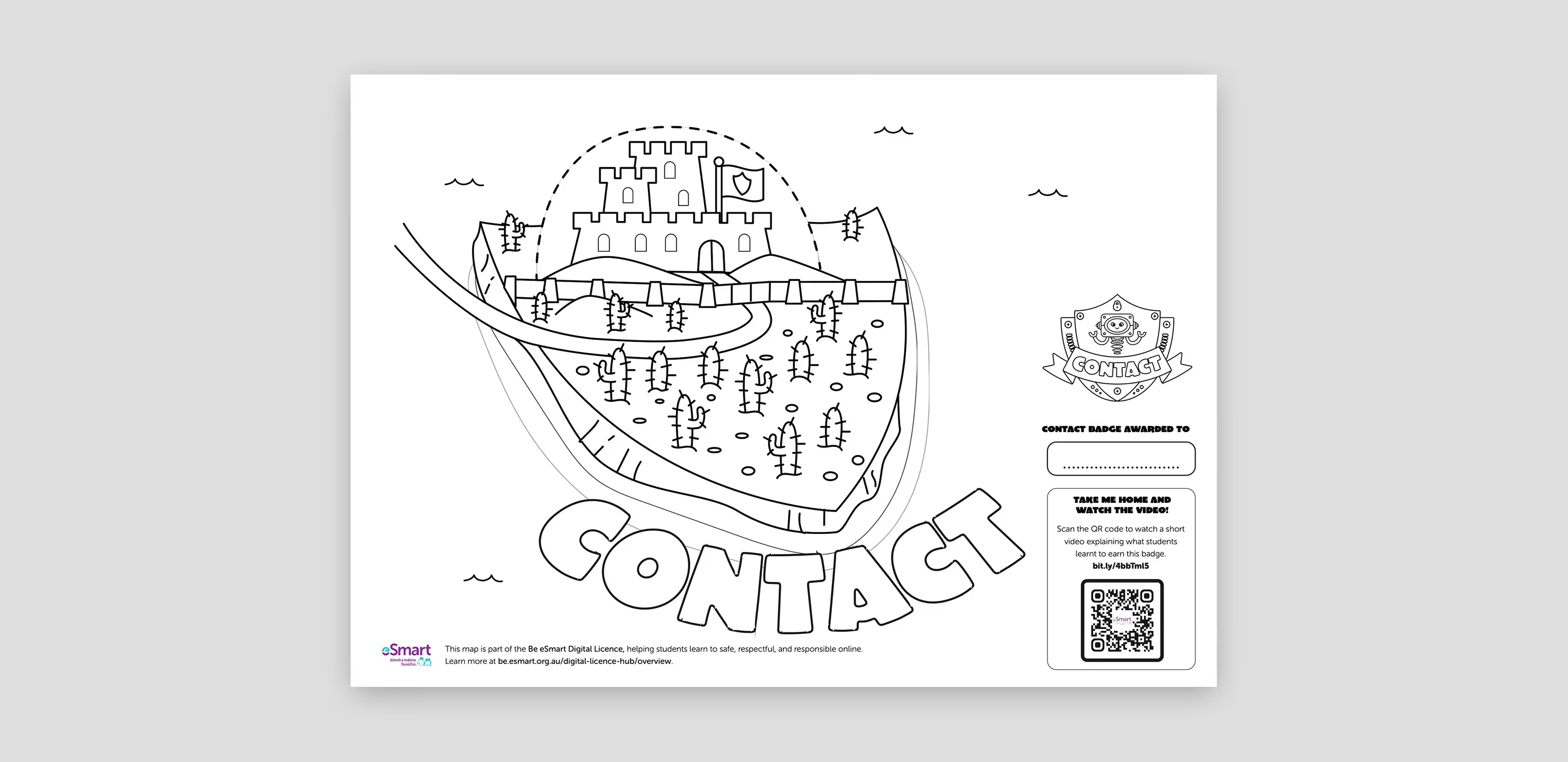
Students are encouraged to take the learning home with linked activities.
For Detective: Training Day, students take home four sticky notes and the task of finding real online examples that match each detective tool. Returning them to school creates a shared class resource that grows over time.
Both parent resources include ready-made conversation starters to help families continue the discussion at home.
How these games connect to the 4Cs

Content
Longer online means more chance of encountering harmful material.

Conduct
Overuse fuels irritability and unkind behaviour.
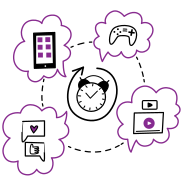
Compulsion
Excessive screen time can increase irritability, impulsive choices and poor judgement.
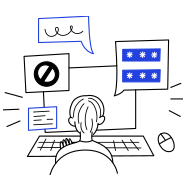
Contact
More screen time = more exposure to unsafe messages.
Detective Training Day sits within the Content risk area: understanding and critically evaluating the material students encounter online. Gotchas Galore sits within the Contact risk area: understanding how apps and platforms collect data, and how that shapes what students see and who can reach them.
Running both lessons gives Year 5 and 6 students coverage of two of the four risk areas within two hours of curriculum time.
Resources
- Play Gotchas Galore — play.esmart.org.au/#/gotchas-galore
- Play Detective Training Day — play.esmart.org.au/#/data-detective
- eSmart Lesson Plans — Browse the full library, filterable by risk area and year level: be.esmart.org.au/lesson-plans
- eSmart Digital Licence — A free, curriculum-aligned program for Years F–6: be.esmart.org.au/digital-licence-hub/overview
- eSafety Commissioner — Classroom Resources — esafety.gov.au/educators/classroom-resources