

Download
Download the pack

Child Safeguarding Statement
Some resources and activities may prompt a child to remember and potentially share an experience of harm. Make sure you’re familiar with your school's safeguarding policies and procedures so you can confidently report safety and well-being concerns.
Prepare students for the session by discussing: their right to be safe and respected; what to do if discussing online safety makes them feel uncomfortable or unsafe; and how to seek help if they feel or have felt unsafe. Use this resource available on the website.
Tips & Resources
From Digital Licence+ to Digital Licence: a guide for Years 5 and 6 educators

If you've been using Digital Licence+ with your Year 5 and 6 students, here are four new eSmart lessons that cover similar ground.
The eSmart Digital Licence+ program has now concluded. If you built it into your Year 5 or 6 teaching, you'll know the value of its four thematic areas: self-regulation, kindness, vigilance and empathy. Those ideas haven't gone anywhere. They sit at the heart of the new eSmart Digital Licence, within our new learning framework, the ‘4Cs of online safety’.
The lessons below were identified by the eSmart team as natural successors to four Digital Licence+ modules. Each one is designed for Years 5–6, is free to use, and includes everything you need to run it: educator instructions, classroom delivery slides, and learner worksheets.
The 4Cs group the main online risks children face: Content (what they see), Contact (who they interact with), Conduct (how they behave), and Compulsion (how they manage screen use). You'll see each lesson below tagged with its 4C risk area, so you can see exactly where it sits within the new framework.
The lessons
Speak Up About Compulsion Risks: Create a Podcast or Fact Sheet
4C risk area: Compulsion · Year levels: 5–6 · Duration: 60 minutes
Replaces: Self Regulation: Traversing the Tightrope of Technology
Digital Licence+ Module 1 helped students understand the importance of balancing technology use with other parts of their lives — the role of self-regulation in maintaining health, wellbeing, relationships and sleep. This lesson picks up that same thread, but goes further by having students become educators. Working in groups, they choose to either produce a podcast episode or design a fact sheet about compulsion risks in their own lives. The creative format gives students ownership over the message, and the research and discussion involved means they leave with a deeper, more personal understanding of what balanced digital habits actually look like.
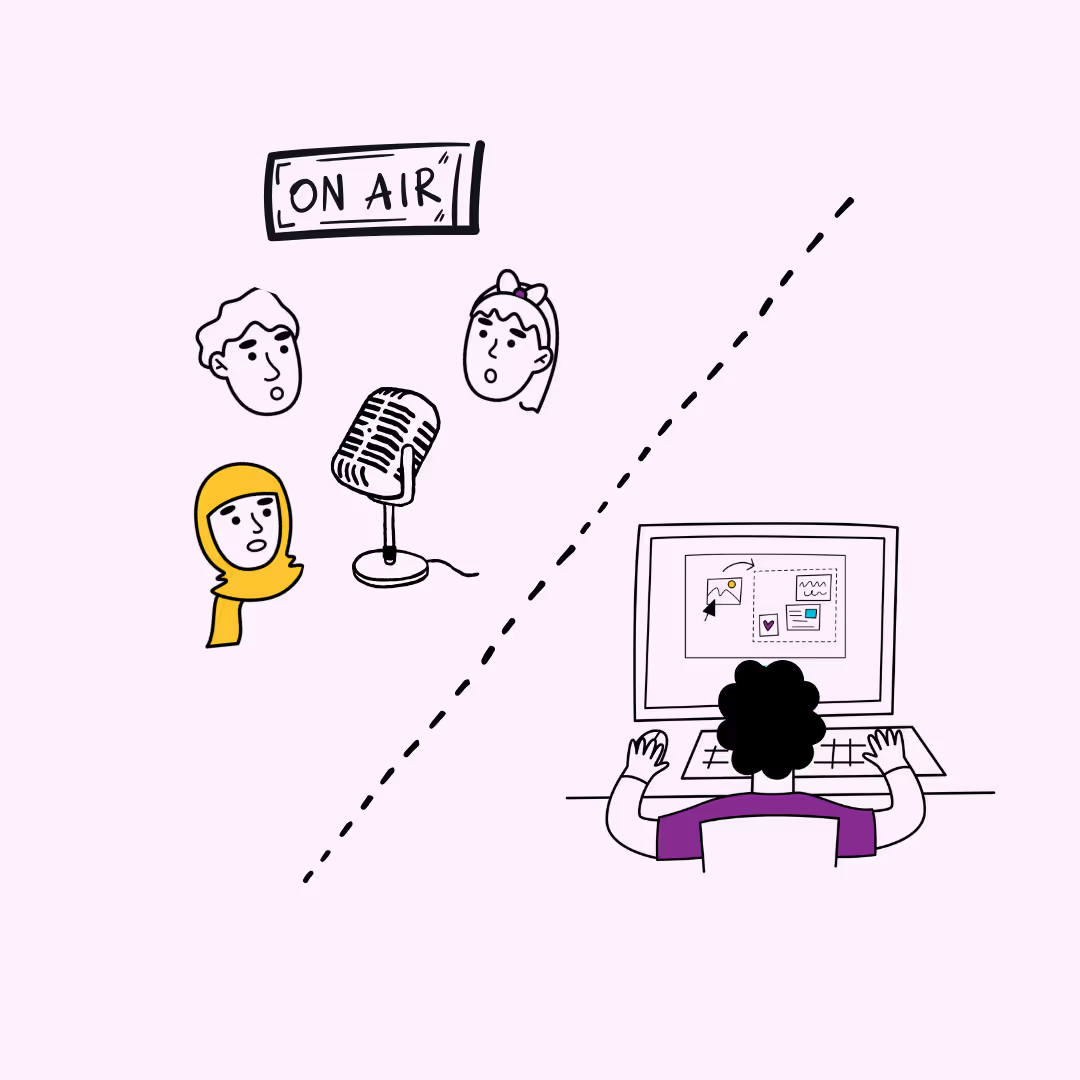
Learners explore compulsion-related online safety risks by creating a podcast or fact sheet that encourages balanced digital habits.
How to Be a Team Player Online
4C risk area: Conduct · Year levels: 5–6 · Duration: 80 minutes
Replaces: Kindness: The Best Offence Is Kindness
The Digital Licence+ kindness module established that positive behaviour is the most effective response to online risks — that how students treat others online matters as much as how they protect themselves. This lesson extends that framing into the language of teamwork and shared responsibility. Students explore what it means to be a good team player in online spaces — applying values of respect, kindness and fairness — and connect their individual behaviour to children's rights under the UN Convention on the Rights of the Child. It's a practical, discussion-based lesson that moves from abstract values into concrete actions students can take every day.
.avif)
Learners explore how positive behaviour—like respect, kindness, and fairness—helps create safe online spaces.
Gotchas Galore
4C risk area: Contact · Year levels: 5–6 · Duration: 75 minutes
Replaces: Vigilance: Building Your Own Shield
Digital Licence+ encouraged students to build their own shield against online threats and to be alert to the ways strangers and unsafe contact can reach them. Gotchas Galore teaches that same vigilance, but through the lens of data and apps. Students play an interactive game where they spot the "gotchas" hidden inside everyday apps and games: the permissions, sign-up flows and in-game features that quietly collect personal information. By learning how their data is used, students develop a more sophisticated and durable kind of online awareness, one grounded in how the technology actually works.
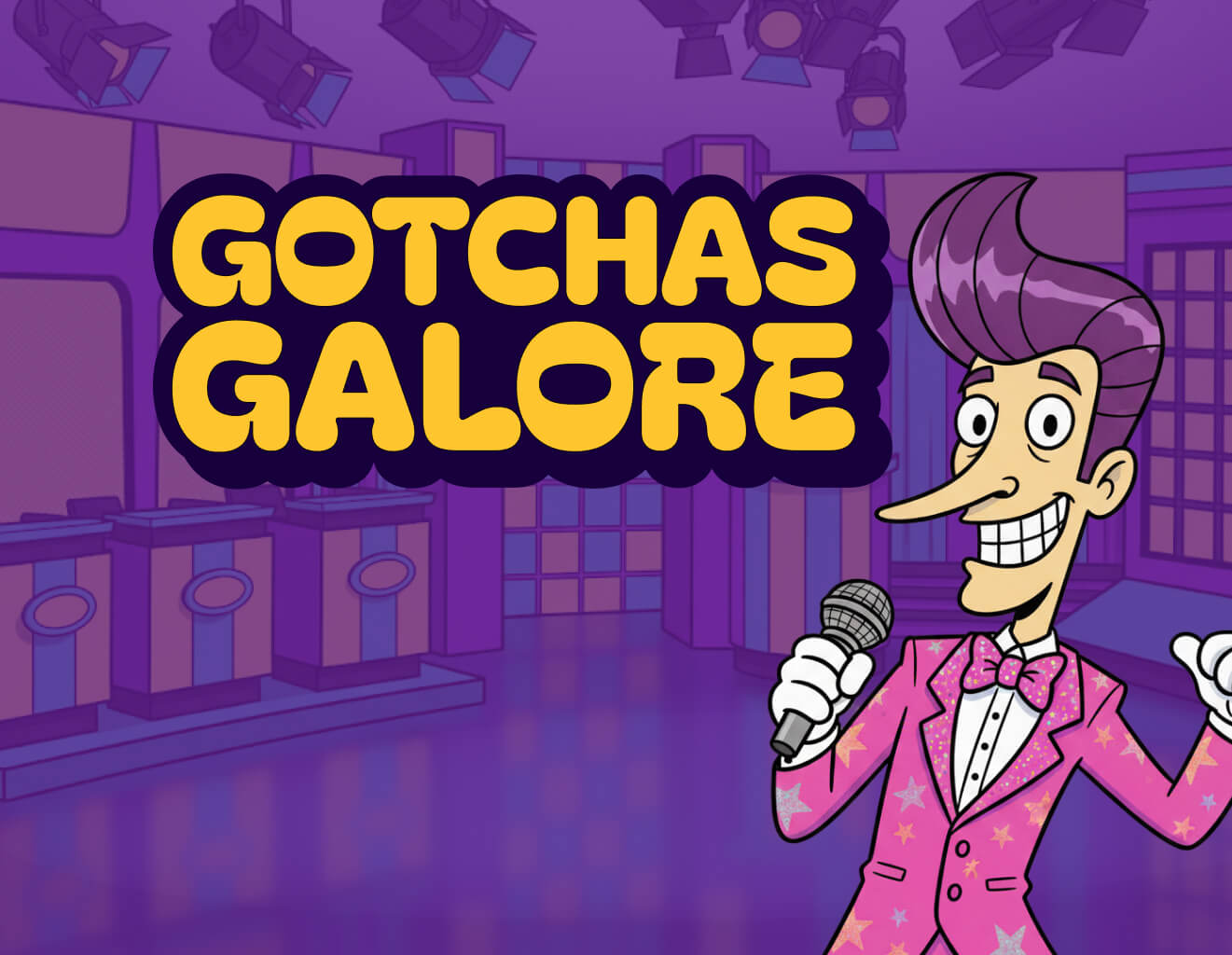
Explore how apps and games collect personal data. Through gamified scenarios, learners identify privacy risks, how to manage data, and build essential digital literacy skills.
Is It Fair and Authentic? Representation in Online Media
4C risk area: Content · Year levels: 5–6 · Duration: 80 minutes
Replaces: Empathy: Having a Digital Heart
Digital Licence+ invited students to develop empathy for others in digital spaces and to consider how their online actions affect the people on the other side of the screen. This lesson brings that empathetic lens to the content students consume. Using real-world examples like movie posters, book covers, advertisements and articles, students investigate whether the media they encounter fairly and authentically represents the people in it. They connect what they see online to children's rights around identity, culture and access to reliable information. It's a natural progression: from feeling empathy for others online, to thinking critically about whether the media they encounter treats all people with the same care.
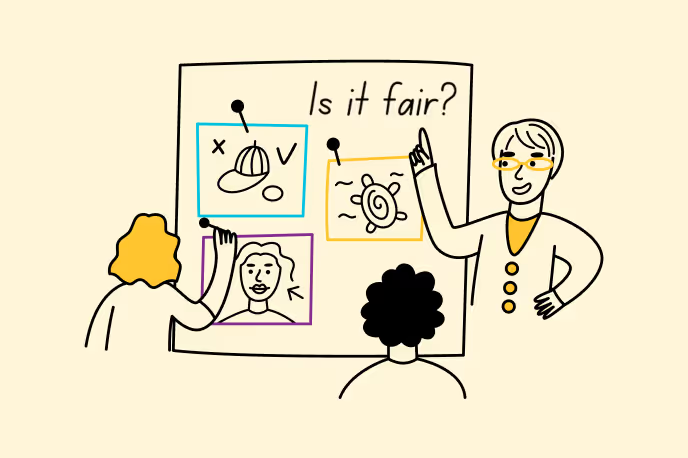
Learners explore fairness and inclusion in media, recognising diverse and respectful representation.
Ready to run the full program?
Each of these lessons counts toward the eSmart Digital Licence, a free, curriculum-aligned program supported by the Australian Government. Students who complete four lessons - one from each 4C - earn their Digital Licence.
Explore the Digital Licence hub
Browse all Years 5–6 lesson plans