

Download
Download the pack

Child Safeguarding Statement
Some resources and activities may prompt a child to remember and potentially share an experience of harm. Make sure you’re familiar with your school's safeguarding policies and procedures so you can confidently report safety and well-being concerns.
Prepare students for the session by discussing: their right to be safe and respected; what to do if discussing online safety makes them feel uncomfortable or unsafe; and how to seek help if they feel or have felt unsafe. Use this resource available on the website.
Tips & Resources
From classroom to holidays: helping children stay safe online

Why online risks increase over the holidays
Digital citizenship refers to the safe, responsible, and respectful use of technology. It encompasses how students engage with others online, how they access and share content, and how they manage their digital identity.
Students are online from their earliest years and teaching digital citizenship is about more than online safety—it's about fostering lifelong habits that support critical thinking and ethical conduct.
Why it matters in schools
When school’s out, students are often online for longer stretches and without the same support from teachers or trusted adults. That’s when risks increase. The 4Cs of online safety (Livingstone & Stoilova, 2021) offer a helpful way to think about the most common risks:
- Content What children see online
- Conduct How they behave
- Compulsion How they manage screen time
- Contact Who they interact with
Each of these risks can be harder to manage during holidays. Schools can help by preparing students with strategies and support.
No-prep classroom-ready holiday safety activities
The final weeks of a term — and especially the end of the school year — are often more flexible. Teachers may be focused on orientation, transitions or project-based learning, whether that’s Year 6 students preparing for secondary school, Foundation students settling into new routines, or classes winding down with end-of-term or end-of-year projects. This makes it an ideal time for practical, short activities that build online safety skills without adding extra pressure.
Here are four quick activities aligned to the 4Cs. Each one links to a free eSmart Digital Licence lesson plan:
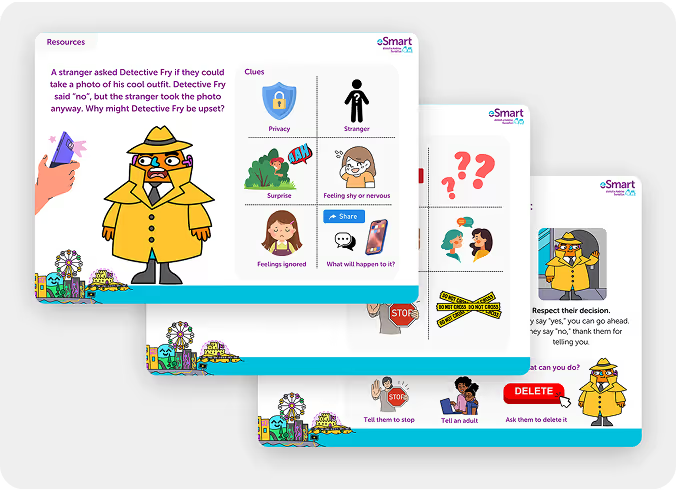
Content - Fun with Filters: An Image Manipulation Lesson
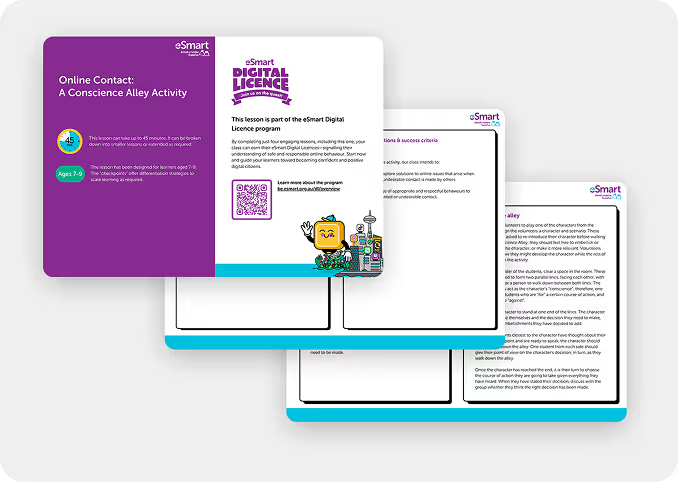
Contact – A Conscience Alley Activity
Conduct – How to Be a Team Player Online
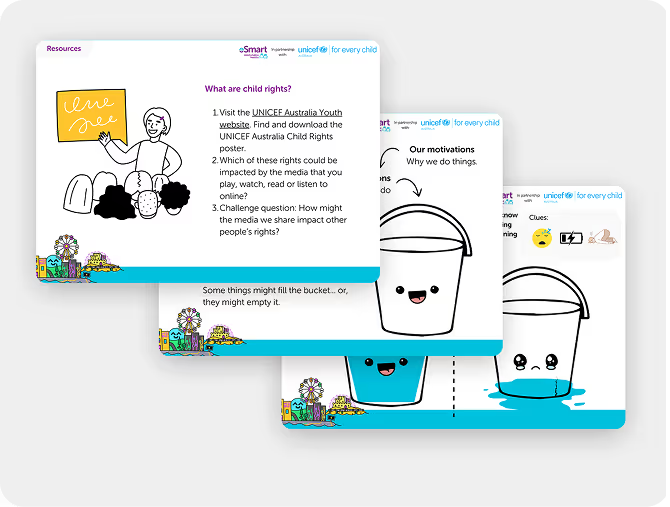
Compulsion – What Fills Your Bucket? Mindful Media Consumption
These activities are short, require no prep, and fit easily into end-of-term sessions. Students who complete all four can earn their Digital Licence.
Introducing the eSmart Digital Licence
The eSmart Digital Licence is a free, curriculum-aligned online safety program developed by the Alannah & Madeline Foundation. It includes everything teachers need to support digital safety: lesson plans, storybooks and activities.
- No training required
- Lessons take one class period
- Only one activity per 4C is needed to earn a Digital Licence
It’s a great fit for Term 4. You can start and finish it quickly and send students into the holidays more prepared.
Practical action for teachers
Every class is different. Use the 4C areas to choose what’s most relevant:
- Are students struggling to separate fact from fiction online? Explore lessons in the Content area.
- Seeing unsafe messages or risky behaviour? Start with the Contact or Conduct resources.
- Noticing screen fatigue? Use the Compulsion lessons to guide them.
All lesson plans come with:
- Age-appropriate content
- Discussion prompts and student handouts
- Take-home materials for families
Choose a lesson by risk area or year level and slot it into:
- Transition sessions
- Orientation week
- End-of-term projects or activities
Aligning school and home
Students benefit when schools and families reinforce the same digital messages. The eSmart Digital Licence includes take-home resources like:
- Family conversation starters
- Videos with QR codes
- Templates for screen-time planning
These tools make it easier for parents to stay involved over the break. Teachers can send them home via newsletter, class portal or printed handouts. Resources like the DigiTalk Screen Smart Plan Template can make the process easier by giving parents a practical framework to work with.
End the term strong, start the holidays safely
As we approach the holidays, teachers have a unique opportunity to prepare students for the online challenges they’ll face. A few short lessons now can help them stay safer over the break. Use the eSmart Digital Licence to make it simple. Choose a lesson, run an activity and send it home with support materials.
Four short lessons, one from each 4C area, earn students their Digital Licence and helps them take smart habits into the holidays.
